
How to Download Movies
Follow this simple step-by-step guide to download your favorite movies and series securely from Filmy4wap.
1 Select Your Movie
Browse our homepage or use the search bar to find the movie you want to watch. Click on the movie poster to open the details page.
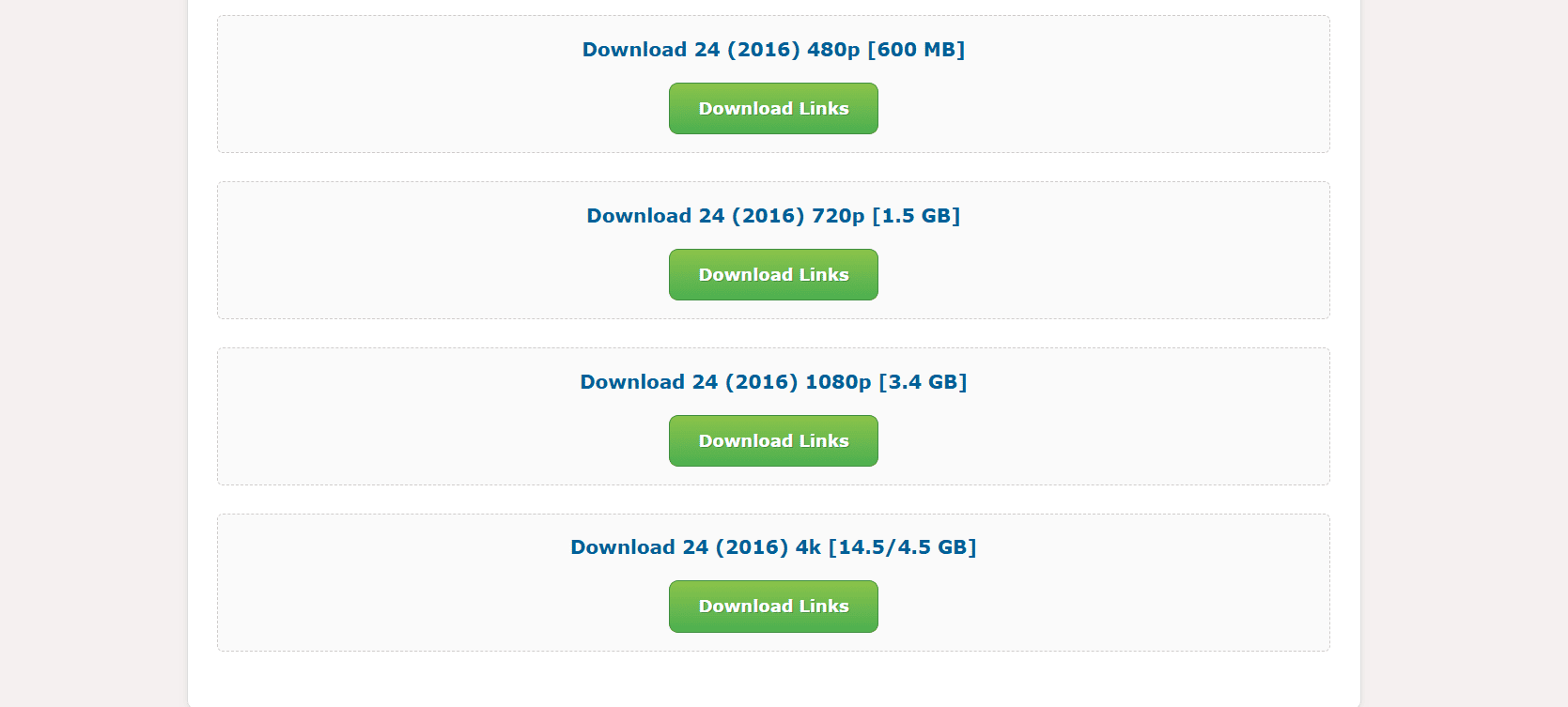
2 Choose Quality & Click Download
Scroll down to the bottom of the movie page. You will see green "Download Links" buttons for different qualities (480p, 720p, 1080p). Click on the button for your preferred quality.
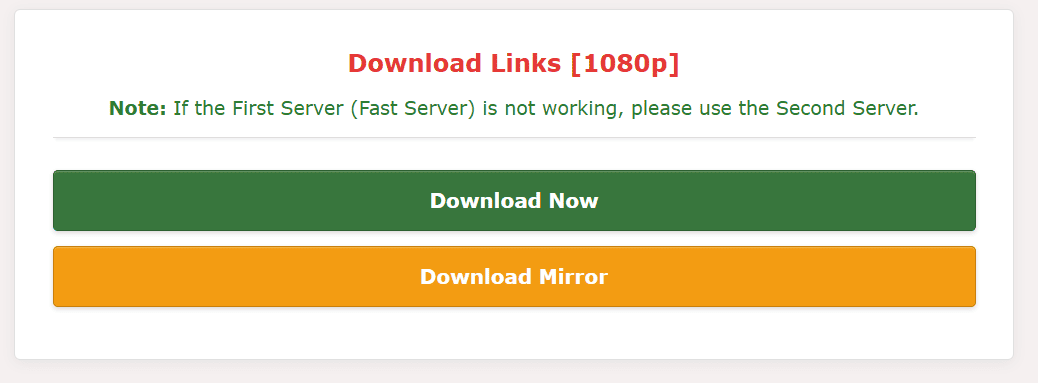
3 Select Download Server
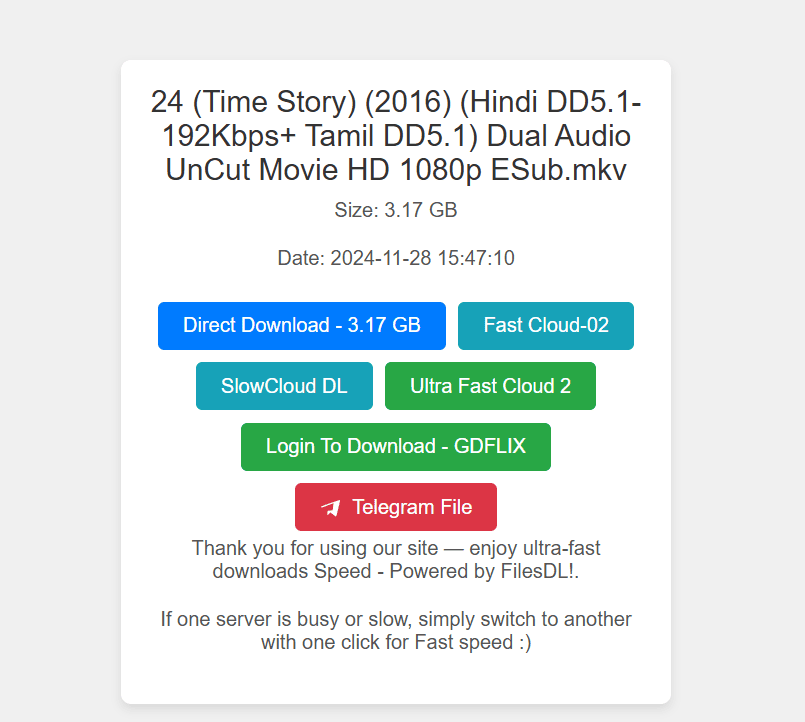
You will be taken to our secure links page. Choose a server to start your download. "Fast Cloud" or "G-Direct" are recommended for the best speed.
Still facing issues?
Contact Support Team